 BEFOREAFTER
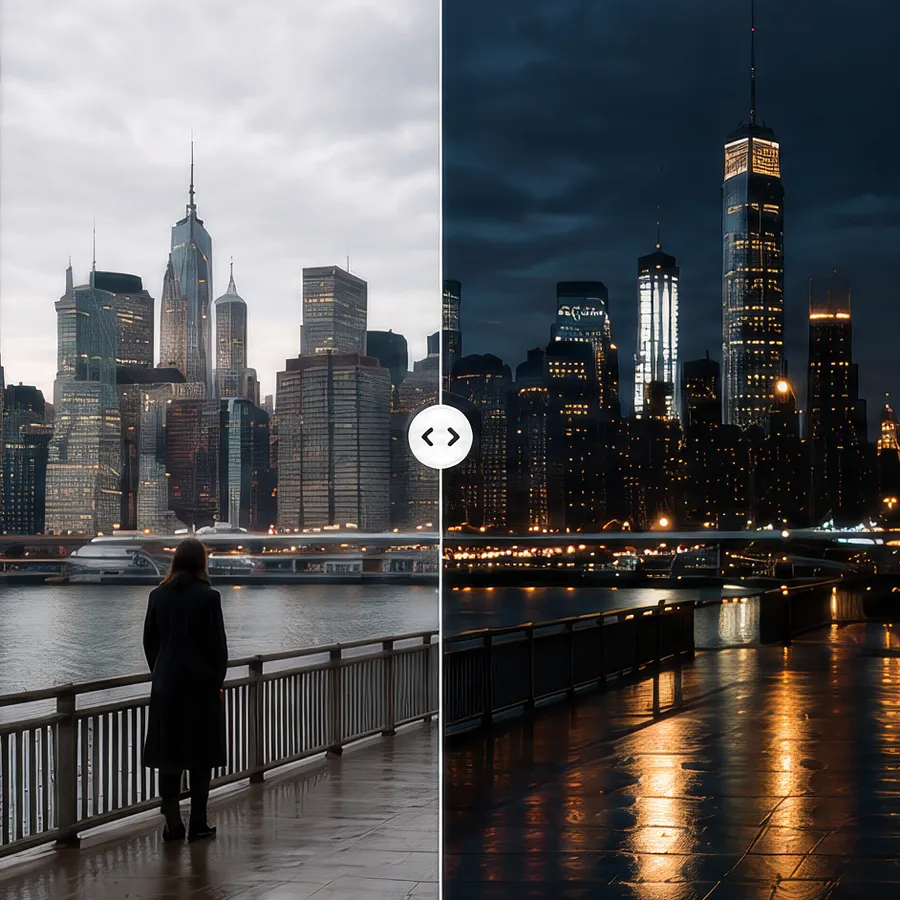
Relight any scene.
From day to night, golden hour to neon—keep everything else intact.
Prompt“Relight this street at night, keep everything else the same.”
Upload a shot, describe the change, and get a new version. Reshape the mood, setting, and style without rebuilding the edit.
Bring in your footage as it is. The framing, timing, and performance stay yours.
Write what should be different: the light, the setting, the wardrobe, the mood.
Render a new version, set it against the original, and keep the take you like.
BEFOREAFTERFrom day to night, golden hour to neon—keep everything else intact.
Prompt“Relight this street at night, keep everything else the same.”
 BEFOREAFTER
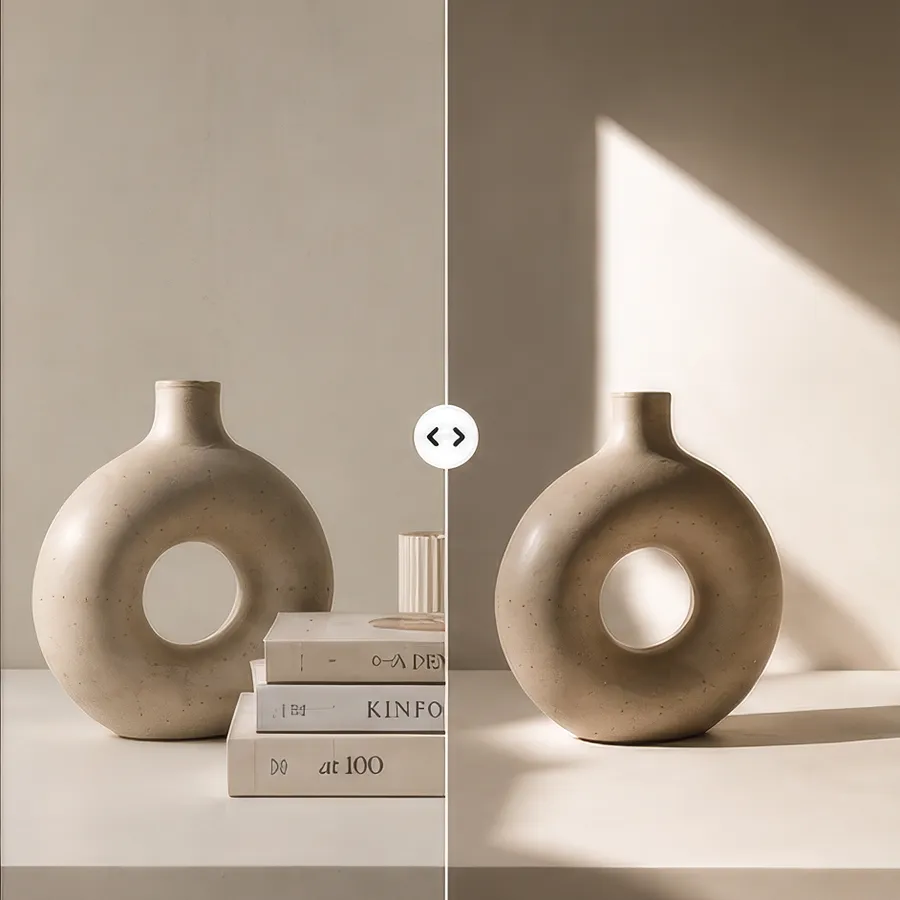
Clean up your shot. Remove objects, people, or clutter in seconds.
Prompt“Remove the clutter from the table.”
 BEFOREAFTER
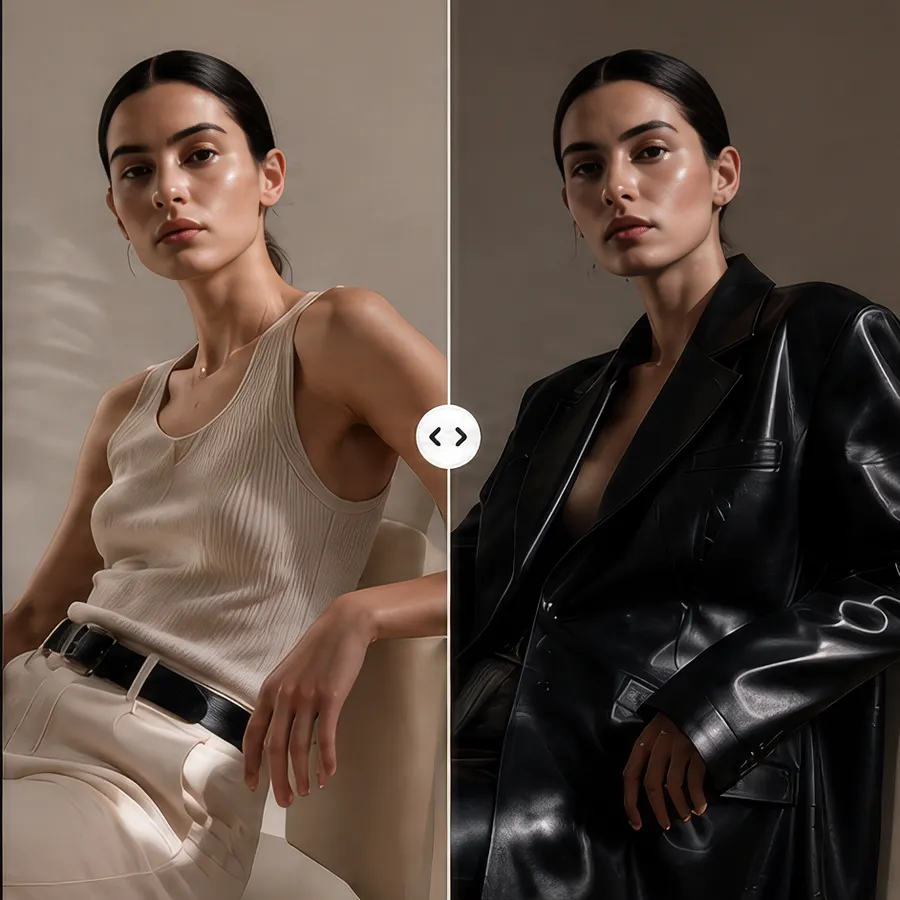
Change wardrobe, colors, and textures while keeping performance perfect.
Prompt“Put the subject in a black leather jacket.”
 BEFOREAFTER
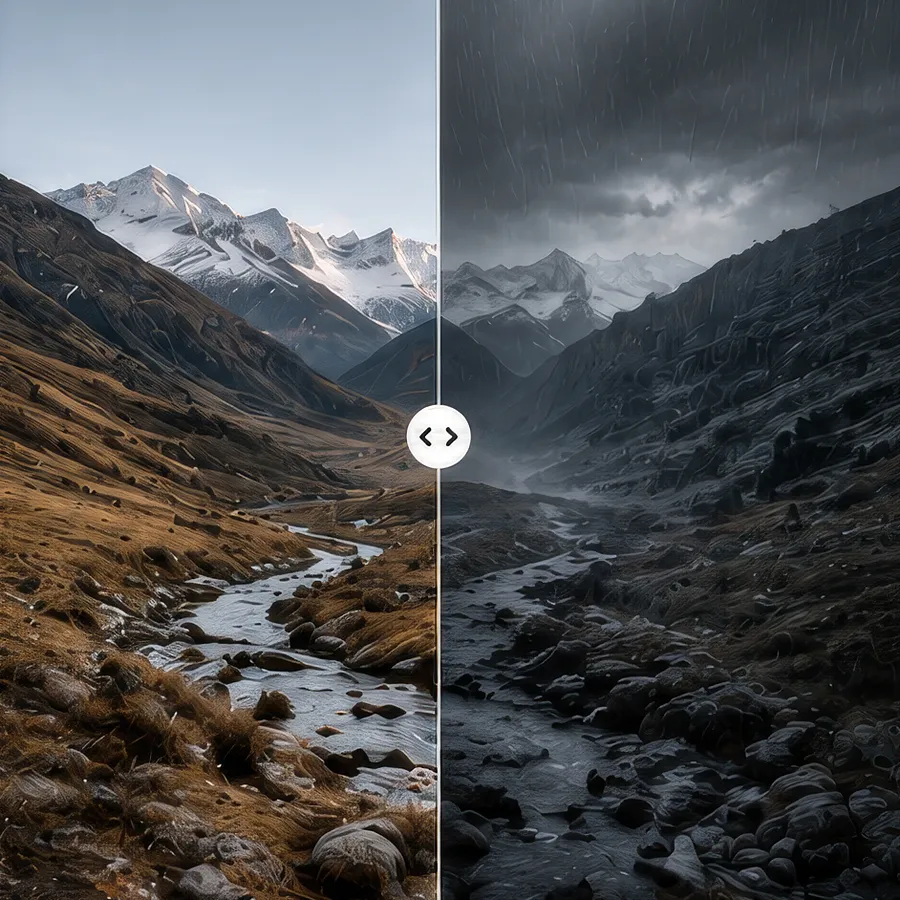
Add rain, fog, snow, or haze. Set the mood—instantly.
Prompt“Turn the mountains into a storm with heavy rain and fog.”
Private studio. Not on the team yet? Request access